

TL;DR:
- Digital journaling combines thoughtful writing with technology to improve emotional well-being, mindfulness, and self-reflection. It offers features like mood tracking, searchable entries, guided prompts, and cross-device access, which enhance habit formation and personal growth. Regular, structured digital journaling leads to emotional clarity, better sleep, and increased goal achievement.
A digital journal is a personal diary maintained on electronic devices, combining thoughtful writing with technology to support mindfulness, self-reflection, and emotional well-being. Unlike a paper notebook, a digital journaling practice gives you searchable entries, mood tracking, guided prompts, and cross-device access in one place. Tools like Day One, PlanWiz, and DigitalGram have made this practice accessible to millions of people who want more than a blank page. The real value is not the technology itself. The value is what consistent, structured writing does to your thinking, your emotional patterns, and your ability to grow.
What are the key benefits of a digital journal vs. paper?
A digital journal does things a paper notebook simply cannot. The most significant advantage is behavioral: digital tools provide built-in habit formation elements like mood tracking, keyword search, writing prompts, and auto-streak counting. These features create the cue-routine-reward loop that behavioral science identifies as the foundation of lasting habits.

The benefits of digital journaling extend beyond convenience. Research shows that writing about difficult experiences for just 15–20 minutes over 3–4 days reduces psychological distress and improves physical health markers. That is a meaningful result from a small daily investment.
Here is how digital journaling compares to paper across the dimensions that matter most for personal growth:
| Feature | Digital Journal | Paper Journal |
|---|---|---|
| Accessibility | Any device, anywhere | Physical notebook only |
| Mood tracking | Built-in, visual trends | Manual, inconsistent |
| Search and recall | Instant keyword search | Manual page flipping |
| Privacy | Encryption, password lock | Physical security only |
| Prompts | Guided, daily suggestions | None unless self-created |
| Data portability | Export to PDF, CSV, Markdown | Scan or retype manually |
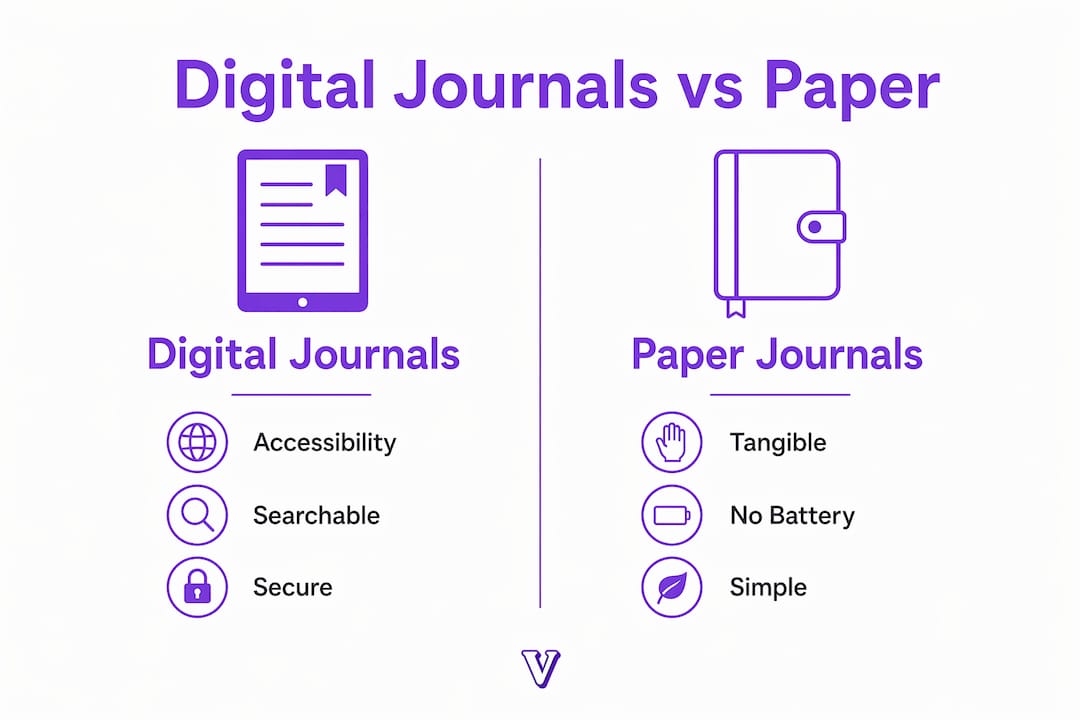
The search function alone changes how you use your entries. You can pull up every time you wrote about anxiety before a work presentation, spot the pattern, and act on it. Paper journaling cannot do that.
Pro Tip: Set your journaling app to send a daily reminder at the same time each day. Consistency in timing is the single strongest predictor of habit formation, according to habit research from behavioral psychology.
Key benefits at a glance:
- Emotional pattern recognition through mood logs and visualizations
- Reduced blank-page anxiety with guided prompts built into the app
- Accountability through streak tracking and progress notifications
- Privacy through encryption and biometric locks
- Portability across phone, tablet, and desktop without carrying anything extra
How to start a digital journaling habit that actually sticks
Starting a digital journaling practice is straightforward. Maintaining it is where most people struggle. The solution is to reduce friction from the first day.
Follow these steps to build a habit that lasts:
- Pick one app and commit to it for 30 days. Switching apps mid-habit resets your streak and your momentum. Choose a tool with guided prompts if you are new to journaling.
- Set a fixed time window of 15–20 minutes. Research confirms that writing for 15–20 minutes over 3–4 days produces measurable health and psychological benefits. You do not need an hour.
- Start with one journaling format. Gratitude journaling, free writing, or a simple daily reflection all work. Avoid multi-section templates at the start. Complex templates cause template fatigue and break the habit before it forms.
- Use prompts to eliminate the blank page. Apps like PlanWiz and Voisley offer daily prompts that give you a starting point. Guided prompts reduce blank-page anxiety and make journaling accessible even for beginners.
- Tag your mood at the start of each entry. This takes five seconds and creates a data trail you can review weekly to spot emotional trends.
- Protect your entries with a password or biometric lock. Privacy features encourage honest writing. Honest writing is where the real emotional work happens.
The most common mistake is overcomplicating the practice from day one. Successful journalers simplify their routines and stick to a single, consistent format. Complexity is the enemy of consistency.
Pro Tip: Pair your journaling session with an existing habit, like your morning coffee or your evening wind-down. Habit stacking is one of the most reliable ways to make a new behavior automatic.
For deeper technique guidance, the mental health journal techniques resource from Voisley covers specific approaches that go beyond basic free writing.
What features should you look for in a journaling app?
The best digital notebook for your needs depends on what you want to get out of the practice. Not all apps are built the same, and the wrong choice can create friction that kills the habit.
Security and privacy
Encryption and password protection are non-negotiable. Without them, you will self-censor, and self-censored journaling produces shallow insights. Look for apps that offer end-to-end encryption or at minimum a biometric lock.
Data portability
This is the feature most people overlook until it is too late. Exporting entries in open formats like CSV, Markdown, or PDF protects your personal archive if the app shuts down or raises its price. DigitalGram specifically emphasizes this as a core user right. Experts confirm that data portability avoids the risk of losing years of reflective content to vendor lock-in.
Prompts, templates, and customization
A good app offers prompts without forcing you into rigid templates. Look for apps that let you choose between free writing and structured formats depending on your mood. Voisley, for example, offers journal types including gratitude, shadow work, and future goals, so you can match the format to your emotional state on any given day.
Mood tracking and visualizations
Mood tracking turns your journal from a diary into a data source. Mood visualizations in journaling apps let you see emotional trends over weeks and months, which is something no paper journal can replicate.
Cross-device syncing and offline access
Your journal should be available whether you are on your phone during a commute or on a laptop at home. Offline access matters because insight does not wait for a Wi-Fi connection.
Here is a quick comparison of features across common app categories:
| Feature | Basic Apps | Advanced Apps (e.g., Voisley) |
|---|---|---|
| Guided prompts | Limited or none | Daily, categorized by type |
| Mood tracking | Manual tags only | Visual trend analysis |
| Export formats | PDF only | CSV, Markdown, PDF |
| AI-powered insights | None | Emotional pattern analysis |
| Community features | None | Shared journaling, social support |
How does journaling support emotional clarity and mindfulness?
Journaling is one of the most well-researched tools for emotional regulation. The mechanism is straightforward: writing forces you to translate vague feelings into specific language, and that translation process creates distance from the emotion. Distance creates clarity.
Psychologist Michael Scullin has highlighted that closing your day with written reflection acts as a psychological bookend, signaling to the brain that the day's events have been processed. The result is improved sleep quality. This is not a minor benefit. Poor sleep compounds emotional dysregulation, so journaling before bed creates a positive cycle.
"Writing about your worries before bed offloads them from working memory, freeing the brain to rest rather than ruminate." — Michael Scullin, psychologist and sleep researcher
Goal-setting is another area where journaling produces measurable results. People who write down their goals are 42% more likely to achieve them than those who do not. That figure comes from research by Dr. Gail Matthews at Dominican University. Writing a goal is not just recording it. It is a commitment act that activates follow-through.
Digital journaling apps amplify these effects through structure. When Voisley prompts you with a specific question about your emotional state, you are not just writing. You are practicing mindful journaling, which combines the reflective depth of traditional journaling with intentional awareness. The combination produces faster emotional insight than free writing alone.
The emotional benefits compound over time. Weekly mood reviews reveal patterns you cannot see day to day. Monthly reflections show growth you would otherwise miss. This is why digital journaling is not just a diary alternative. It is a personal growth system.
For a broader look at how journaling supports psychological well-being, Voisley's resource on journaling for emotional well-being covers the research in depth.
Key takeaways
A digital journal is the most effective self-reflection tool available in 2026 because it combines behavioral science, emotional tracking, and structured prompts into one consistent practice.
| Point | Details |
|---|---|
| Start small and simple | Write for 15–20 minutes, 3–4 days a week, using one consistent format. |
| Use prompts to reduce friction | Guided prompts eliminate blank-page anxiety and sustain the habit long-term. |
| Prioritize data portability | Always choose apps that export to CSV, Markdown, or PDF to protect your entries. |
| Track mood from day one | Mood tagging creates an emotional data trail that reveals patterns over time. |
| Journaling improves sleep and goals | Writing before bed improves sleep quality; written goals are 42% more likely to be achieved. |
What i have learned from building a journaling practice
The most common mistake I see is treating a digital journal like a productivity tool. People set up elaborate templates, color-coded mood systems, and weekly review rituals before they have written a single honest entry. That approach collapses within two weeks.
What actually works is embarrassingly simple: open the app, answer one prompt, and write until you feel lighter. That is it. The structure comes later, once the habit is solid. Voisley was built around this insight. The prompts are there to start the conversation, not to manage it.
The second thing I have learned is that app lock-in is a real threat to your practice. If your journal lives entirely inside a proprietary system with no export option, you are one price increase or app shutdown away from losing years of reflection. Export your entries regularly. Treat your journal archive the way you treat financial records.
The third lesson is the hardest to accept: emotional clarity does not come from reading your entries. It comes from writing them. The act of putting a feeling into a sentence is where the processing happens. Reading it back is just confirmation. So if you are skipping writing sessions to review old entries, you are avoiding the work.
Start with one prompt tonight. The rest follows.
— Voisley
Start your journaling practice with Voisley
Voisley brings together everything a serious journaling practice needs: guided prompts across journal types like gratitude, shadow work, and future goals, AI-powered mood analysis, and privacy-first design that encourages honest writing.

If you have been meaning to start a digital journaling habit but keep putting it off, Voisley removes every barrier. The prompts handle the blank page. The mood tracker handles the pattern recognition. The encryption handles the privacy. All you bring is five minutes and a willingness to be honest with yourself. Visit Voisley to create your first entry today and see what consistent self-reflection actually feels like.
FAQ
What is a digital journal?
A digital journal is a personal writing practice maintained on electronic devices such as phones, tablets, or computers. It combines traditional diary-style reflection with features like mood tracking, guided prompts, and searchable entries.
How long should i write in my digital journal each day?
Research shows that writing for 15–20 minutes over 3–4 days produces measurable reductions in psychological distress and improvements in physical health. You do not need to write daily to see results.
What is the best digital notebook app for beginners?
Beginners benefit most from apps that offer guided prompts to reduce blank-page anxiety. Voisley and PlanWiz both provide structured prompts and simple interfaces designed for people starting their journaling practice.
How do i protect my journal entries from being read?
Choose an app with encryption and password or biometric protection. Privacy features directly encourage more honest writing, which is where the emotional and mental health benefits of journaling come from.
Can digital journaling help with goal achievement?
Yes. People who write down their goals are 42% more likely to achieve them than those who do not, according to research by Dr. Gail Matthews. A structured digital journal makes goal tracking consistent and measurable.